Boxtribute Sheets
Trouble-shooting
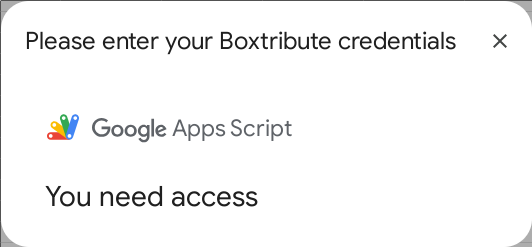
I see the message “You need access”
This is a classic and very common issue in the Google Apps Script environment.
The “You need access” error almost always means the user is logged into multiple Google accounts in the same browser.
How to Fix It (For Testing and Users)
Select one of the following:
- Solution 1 (The Quick Test): Run your add-on in an Incognito Window. In Incognito, log in only to the single Google account that has the spreadsheet. This guarantees there is no account conflict.
- Solution 2 (The Best Fix): Use Chrome Profiles. Create a separate Chrome Profile for each Google account. This keeps all cookies, logins, and sessions completely separate.
- Solution 3 (The Annoying Fix): Log out of all Google accounts in your browser. Then, log back in only with the account you are using for the spreadsheet.